Image Compressor Online – Free, Fast & Smart Image
Optimization Tool
Large images look good.
Until they slow everything down.
Websites lag. Uploads fail. Emails bounce. Storage fills up faster than expected.
If you manage a blog, run an eCommerce store, design graphics, or simply upload photos daily — you’ve already felt this problem.
This image compressor online is built to fix that without complexity.
No software. No account. No hidden processing.
Just fast, controlled image optimization directly inside your browser.
Image Toolbox
All-in-one client-side image editing tools. Your images never leave your browser.
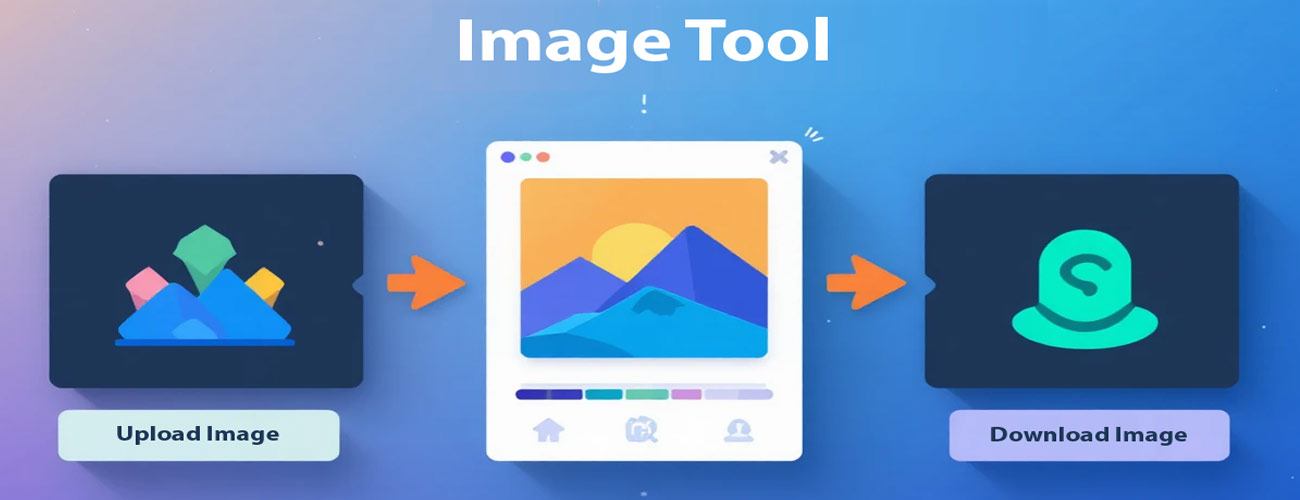
Step 1: Choose a tool above → Step 2: Upload your image
Drag & drop an image here or click to browse
Upload Image
Upload an image to get started. You can drag & drop or click the upload button.
Supported formats: JPG, PNG, GIF, WEBP
Image Resize
Rotate
Flip
Filters & Effects
Image to ASCII Converter
Image Palette Generator
Image Download Settings
Our Tools

Why Image Size Still Breaks Websites in 2026
Even today, unoptimized images remain one of the biggest reasons for slow websites.
Heavy images affect:
Page load time
Core Web Vitals
Mobile performance
SEO rankings
User experience
Search engines reward fast-loading pages. Visitors stay longer on websites that respond instantly.
Image optimization is no longer optional. It’s basic digital hygiene.

What Makes This Image Compressor Different
Most online tools focus on only one action: reduce size.
This tool works differently.
It acts as a complete image workspace where you can:
Compress images without visible quality loss
Resize to exact dimensions
Rotate and flip instantly
Apply quick filters
Generate color palettes from images
Convert images into ASCII art
Instead of jumping between multiple platforms, everything happens in one place — cleanly and efficiently.

How to Compress Images Online (Step-by-Step)
Using this image compressor online is simple:
Step 1 – Upload Your Image
Drag and drop or choose from your device. Supports JPG, PNG, and modern formats.
Step 2 – Select Your Action
Choose compression level or use advanced tools like resize, rotate, or palette extraction.
Step 3 – Download Instantly
Your optimized image is ready in seconds. No redirects. No waiting screen.
Complete Image Toolkit (All Features Explained)
Compress Image
Reduce file size while preserving visual clarity.
Resize Image
Adjust width and height precisely without distortion.
Rotate & Flip
Correct orientation in one click.
Apply Filters
Brightness, contrast, grayscale, blur — simple visual enhancement.
Image to ASCII Converter
Transform images into creative ASCII text patterns.
Color Palette Generator
Extract dominant colors for branding, UI design, and content creation.